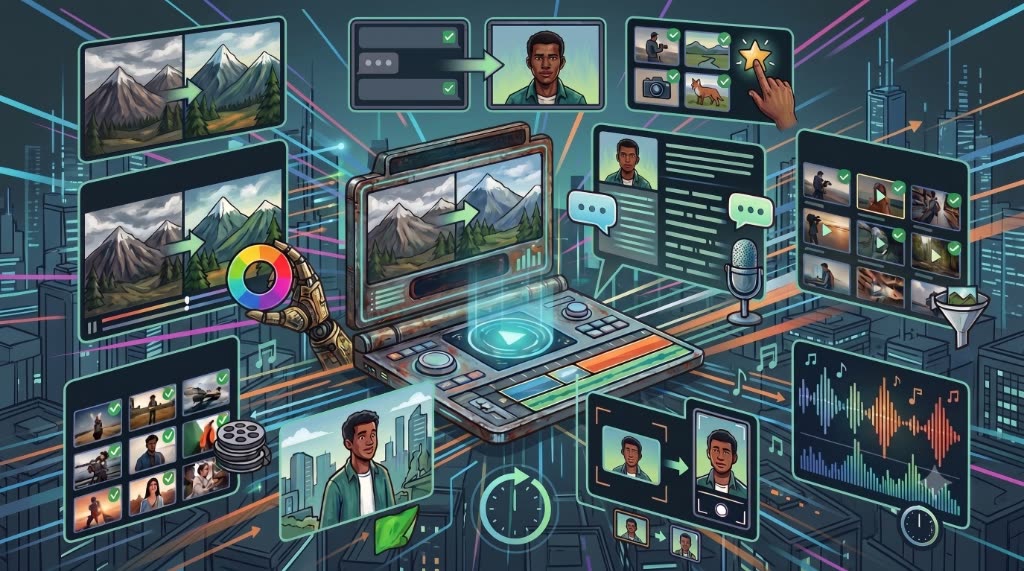

Overview
Artificial Intelligence is no longer a futuristic concept reserved for large production studios. Today, AI is becoming an essential part of the modern video editing workflow, helping creators automate repetitive tasks, reduce editing time, and focus more on storytelling.
Whether you're a YouTuber, filmmaker, educator, marketer, or freelance editor, AI isn't replacing creativity—it's eliminating the repetitive work that slows creativity down.
Instead of spending hours on manual tasks like organizing footage, writing subtitles, generating voiceovers, or making small revisions, AI allows you to complete many of these processes in minutes.
In this article, we'll explore seven practical ways AI can help you edit videos faster without compromising quality.
1. Generate Voiceovers Instantly
Recording voiceovers is often one of the longest parts of video production.
A typical workflow involves:
- Writing the script
- Setting up a microphone
- Recording multiple takes
- Editing mistakes
- Removing background noise
- Exporting the audio
- Importing it into your editing software
If a client requests a single sentence change, the process starts all over again.
AI voice generation dramatically simplifies this.
With modern text-to-speech technology, you can generate natural-sounding narration by simply entering your script, selecting a voice, and adjusting delivery settings.
For creators producing tutorials, product demonstrations, educational videos, software walkthroughs, or internal training content, this can save hours across multiple projects.
2. Automatically Generate Captions
Captions are no longer optional.
Many viewers consume content without sound, especially on social media.
Traditionally, creating subtitles meant manually typing dialogue or syncing captions line by line.
AI-powered transcription tools can now generate captions automatically, dramatically reducing the time required.
Instead of spending an hour writing subtitles, creators can review and correct automatically generated captions in just a few minutes.
3. Organize Footage More Efficiently
One of the least exciting parts of editing is organizing media.
Large projects often contain hundreds of video clips, audio recordings, graphics, and images.
AI can assist by identifying:
- Faces
- Objects
- Scenes
- Dialogue
- Keywords
This makes searching through large media libraries much faster than manually reviewing every clip.
The less time spent searching for footage, the more time you can spend editing.
4. Speed Up Rough Cuts
Creating the first version of an edit often takes the longest.
Editors review footage, remove unusable clips, trim pauses, and assemble a rough timeline before refining the final story.
AI-assisted editing tools can help identify:
- Silent sections
- Long pauses
- Duplicate takes
- Filler words
- Unused footage
While these suggestions still require human review, they can significantly reduce the time spent building the initial edit.
5. Improve Audio Faster
Good audio is one of the biggest indicators of professional-quality video.
Unfortunately, cleaning audio manually can be time-consuming.
AI-powered audio tools can assist with:
- Background noise reduction
- Voice enhancement
- Volume balancing
- Speech isolation
- Echo reduction
Instead of manually adjusting dozens of settings, editors can often achieve clean results with just a few clicks.
6. Make Revisions More Efficient
Client revisions are inevitable.
Changing one sentence in a recorded voiceover or updating a product name often requires multiple editing steps.
AI makes revisions far less disruptive.
For example:
- Regenerate narration instantly
- Update captions automatically
- Replace graphics more efficiently
- Search scripts using AI
The faster you can respond to revisions, the shorter your production timeline becomes.
7. Eliminate Context Switching
One of the biggest hidden productivity killers isn't editing itself.
It's constantly switching between applications.
Many editors regularly move between:
- Adobe Premiere Pro
- Browser-based AI tools
- Recording software
- Audio editors
- File Explorer
- Cloud storage
- Text editors
Every time you leave your editing software, your concentration resets.
Even small interruptions accumulate over the course of a project.
Professional editors often look for ways to keep as much of their workflow as possible inside a single environment.
Reducing context switching may seem like a small improvement, but over weeks and months, it can save countless hours.
AI Doesn't Replace Editors—It Removes Repetitive Work
There's a common misconception that AI is replacing video editors.
In reality, AI is replacing repetitive tasks.
Editors still make the important creative decisions.
They decide:
- Which shots tell the story best
- How the pacing should feel
- Where music should begin
- Which emotions should be emphasized
- How the final video connects with the audience
AI simply helps editors spend less time on repetitive production work and more time on creative storytelling.
Choosing the Right AI Tools
Not every AI tool provides the same value.
The most effective tools integrate naturally into your existing workflow instead of forcing you to learn an entirely new process.
When evaluating AI software, look for solutions that:
- Save time on repetitive tasks
- Reduce manual file management
- Minimize application switching
- Support frequent revisions
- Fit naturally into your editing workflow
The goal isn't to use AI everywhere.
The goal is to remove the steps that slow you down.
Keep Your Voiceover Workflow Inside Premiere Pro
Voice generation is one of the most common reasons editors leave Adobe Premiere Pro.
Many creators still copy their script into an online text-to-speech platform, generate the audio, download the file, import it into Premiere Pro, and repeat the process every time the script changes.
The Vampro Voice Generator for Adobe Premiere Pro streamlines this entire process by bringing AI voice generation directly into your editing workspace.
Without leaving Premiere Pro, you can:
- Type or paste your script
- Choose from multiple AI voices
- Apply narration tone presets
- Adjust speed and pitch
- Generate natural-sounding voiceovers directly within your project
Since voice generation is handled by the local Vampro Voice Service, you don't need to juggle browser tabs, downloads, or repeated imports during routine edits.
For creators producing tutorials, software demos, YouTube videos, online courses, product walkthroughs, and educational content, this means faster revisions, fewer interruptions, and a more focused editing experience.
The most valuable AI tools aren't the ones with the longest feature lists—they're the ones that quietly remove friction from your workflow so you can spend more time creating great videos.