Vampro Voice GeneratorVampro Voice Generator
Text-to-Speech
Generate natural AI voiceovers from text inside Premiere Pro using local models or ElevenLabs at your playhead.
How It Works
A streamlined text-to-speech workflow for editors to generate and insert voiceovers directly to your timeline.
Open Plugin
Launch inside Premiere Pro.
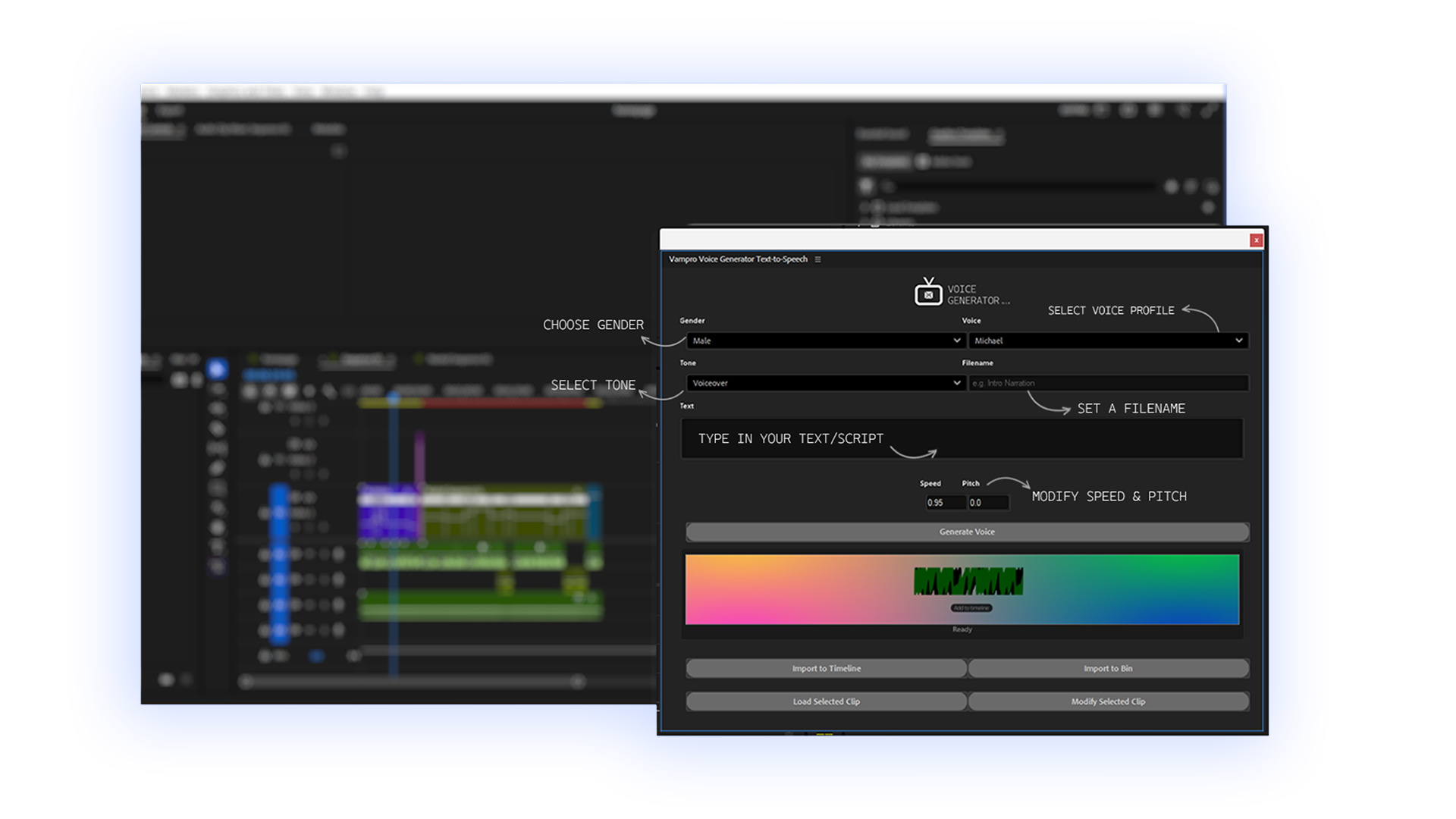
Enter Text
Paste or write narration.
Choose Voice
Select a voice profile and tone.
Generate
AI processes your audio.
Import
Add to your project timeline or bin.

Open Plugin
Launch inside Premiere Pro.
Enter Text
Paste or write narration.
Choose Voice
Select a voice profile and tone.
Generate
AI processes your audio.
Import
Add to your project timeline or bin.
Complete Workflow Built Into Your Timeline
Stay inside your creative flow without switching apps while creating and updating audio directly in Premiere Pro.
Stay Inside Premiere Pro
No more jumping between tools and your editing timeline.
Reduce Production Time
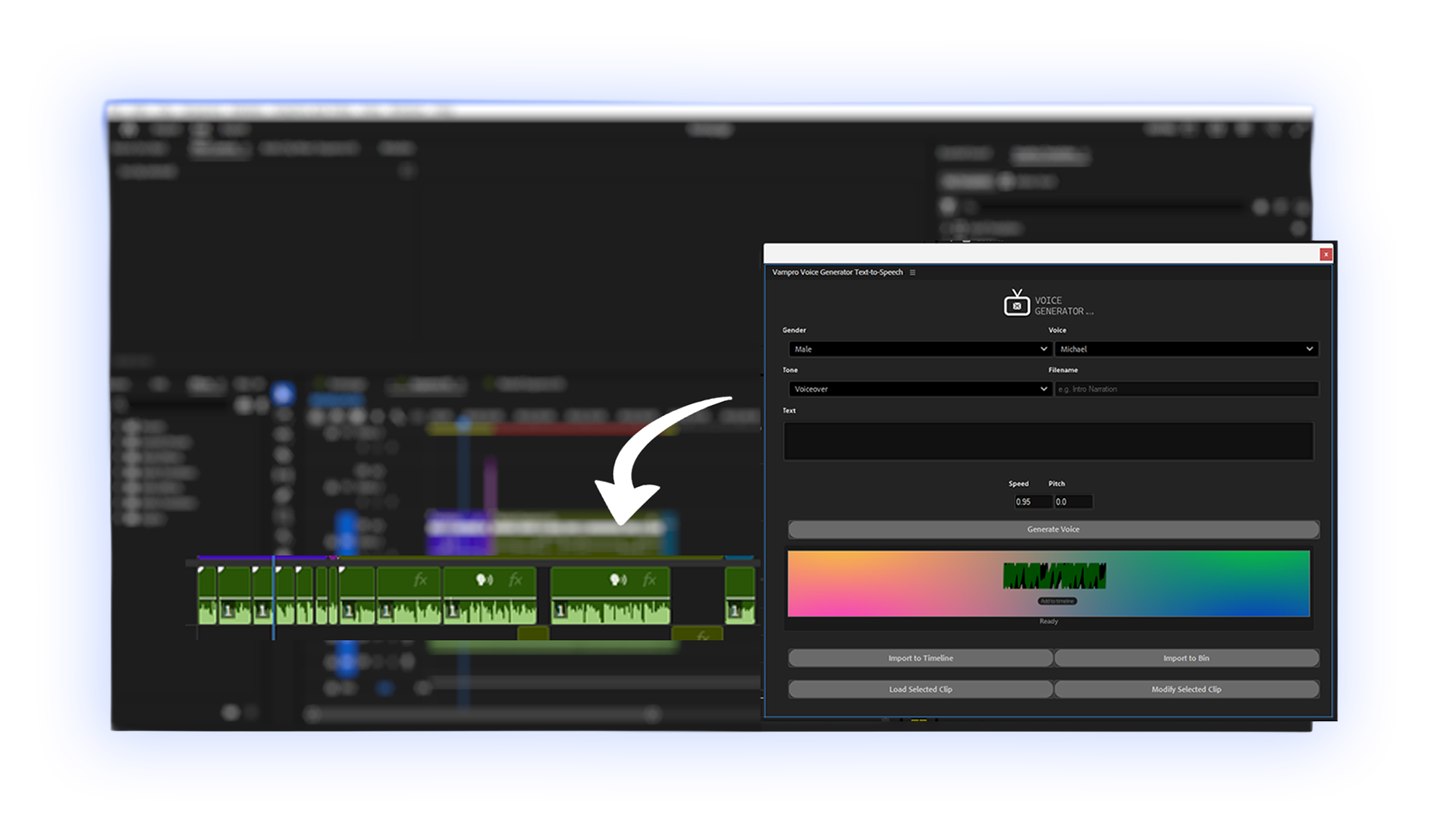
Generate narration in seconds and insert directly inside your timeline at your playhead location.
Built for Ultra-Smooth Workflows
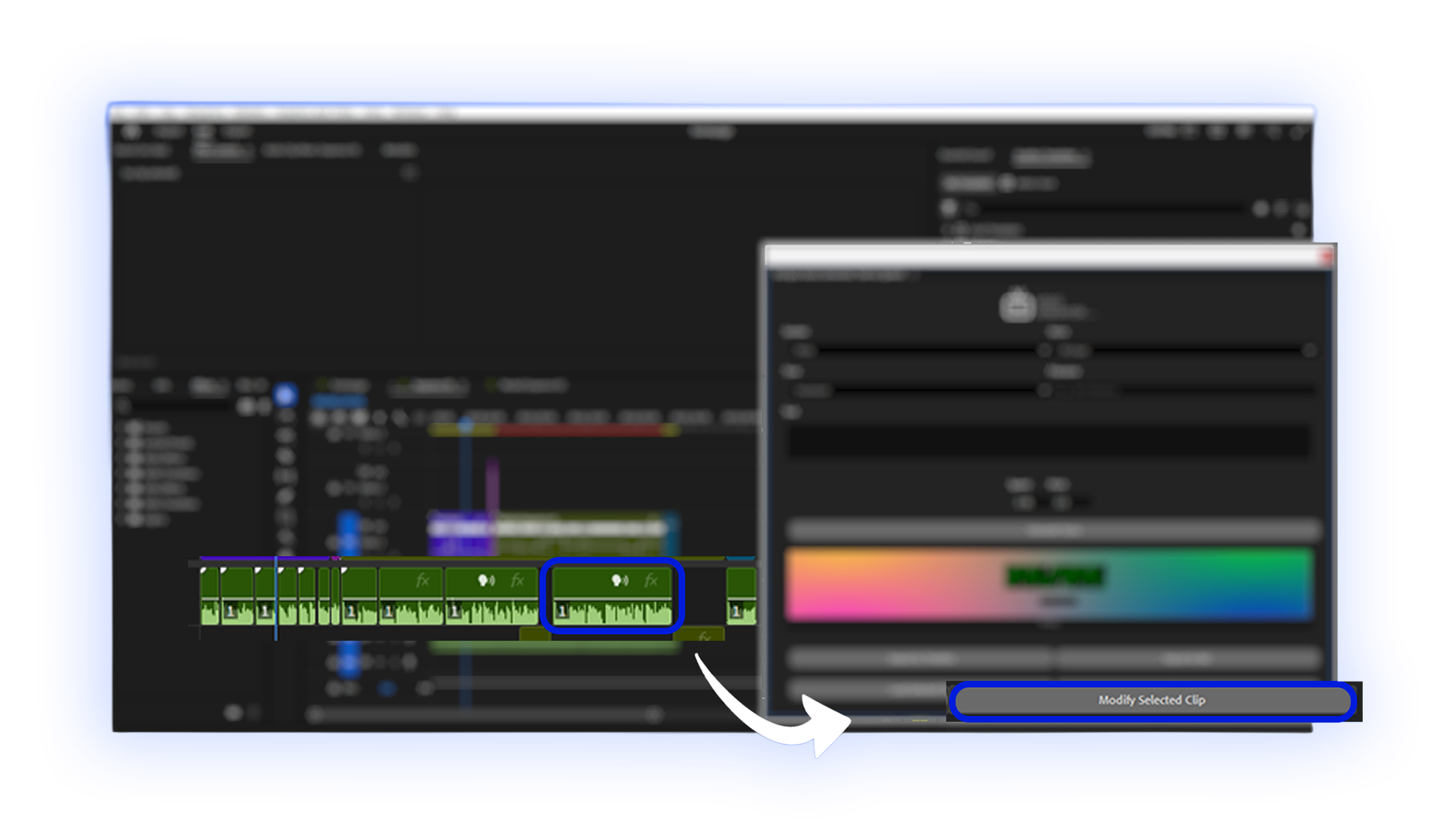
Change the generated voice instantly by simply selecting the clip and modifying the script, voice, and tone.
Unlimited Offline Voice Generation
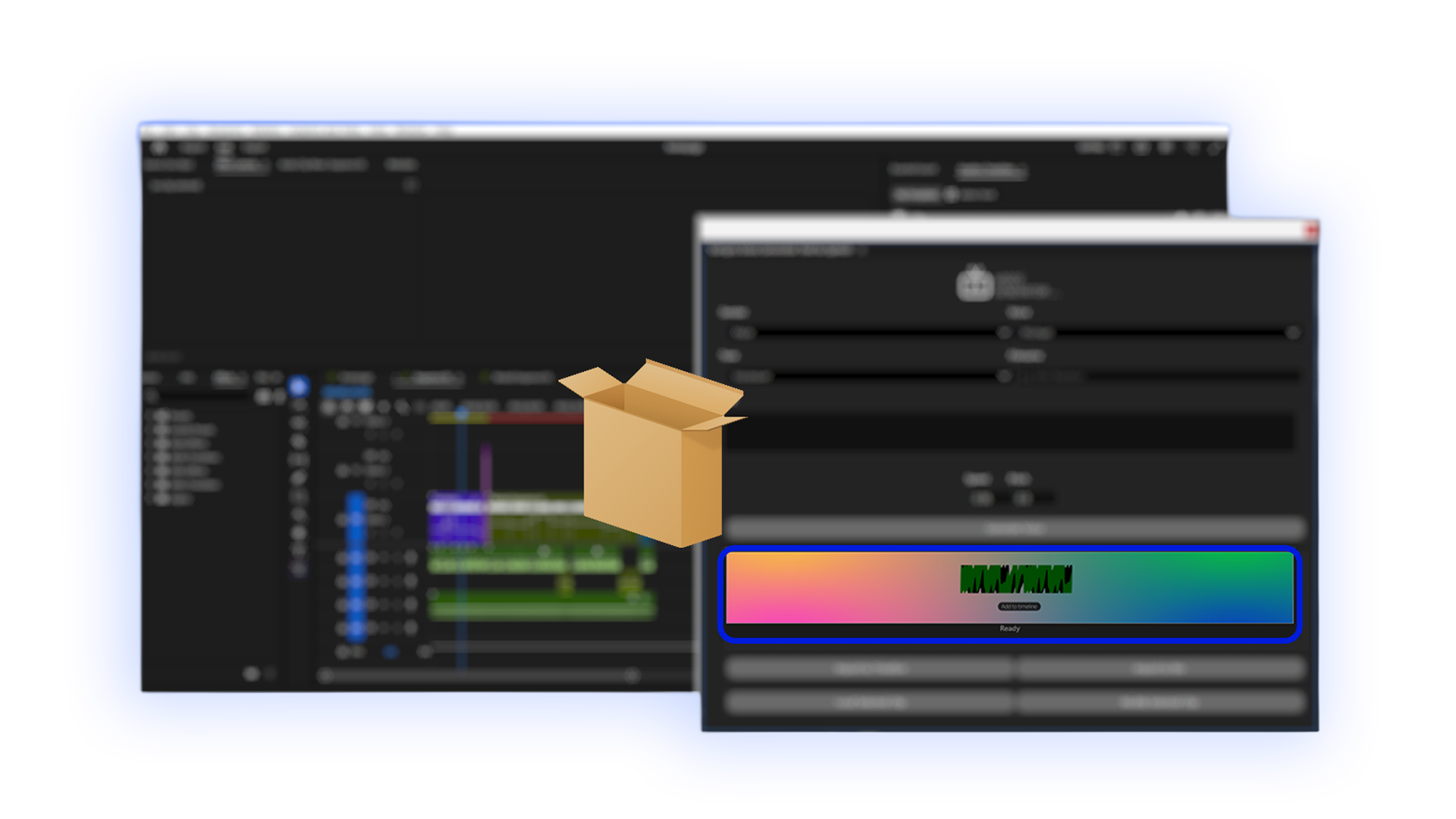
Paste a script, select a voice, and generate audio, completely processed on your machine.
Seamless Integration
A unified workspace without leaving your timeline.
Built for Creative Speed
Engineered with high-quality speech models to accelerate turnaround without sacrificing natural vocal inflection.
Instant AI Voice Generation
Generate narration from text in seconds. The companion application bundles the entire package for offline use with ultra fast processing.
Multiple Voice Profiles
Choose from 27+ natural voices (both male and female) with 7+ unique tone profiles and dedicated presets for each voice.
Seamless Text-to-Speech Conversion
Convert text into natural-sounding speech directly inside Premiere Pro and insert inside your project timeline or bin.
Complete workflow inside your project
Insert generated voices directly inside your timeline. When a clip requires modification, simply select it and modify the contents.
Your ElevenLabs Voice Library Directly Inside Premiere Pro
Connect your API key to access custom voice clones and insert broadcast audio directly into Premiere Pro.
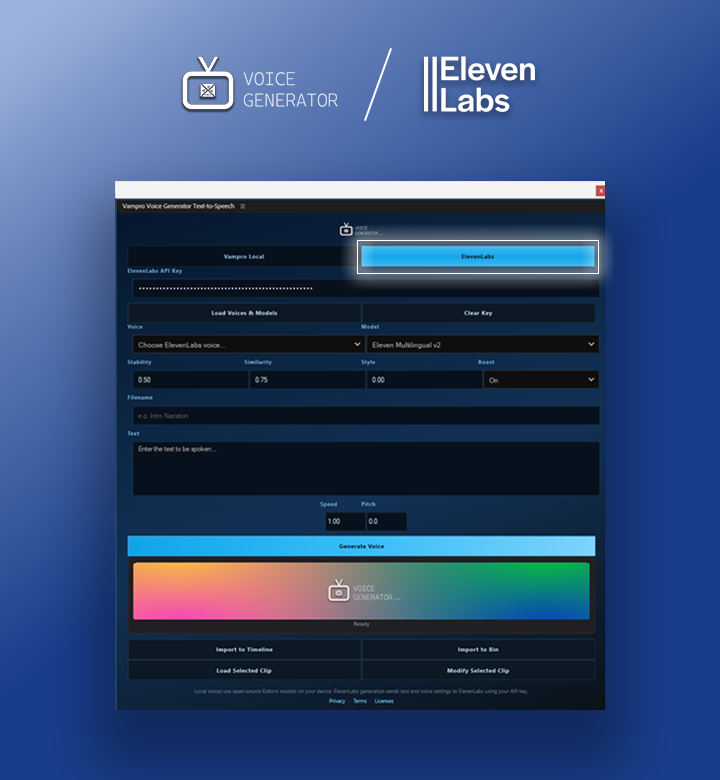
Bring Your Own Key
Zero markups. Saved locally on your PC, purgeable anytime.
Voice Library & Clones
Instant access to personal voice clones and curated voices.
Surgical Voice Sliders
Fine-tune Stability, Similarity, Style, Speed, and Pitch directly.
Timeline Insertion
Insert audio at playhead or update existing clips in place.
Who Is It For?
Tailored for creators, editors, and teams seeking faster turnaround to elevate video narration effortlessly.
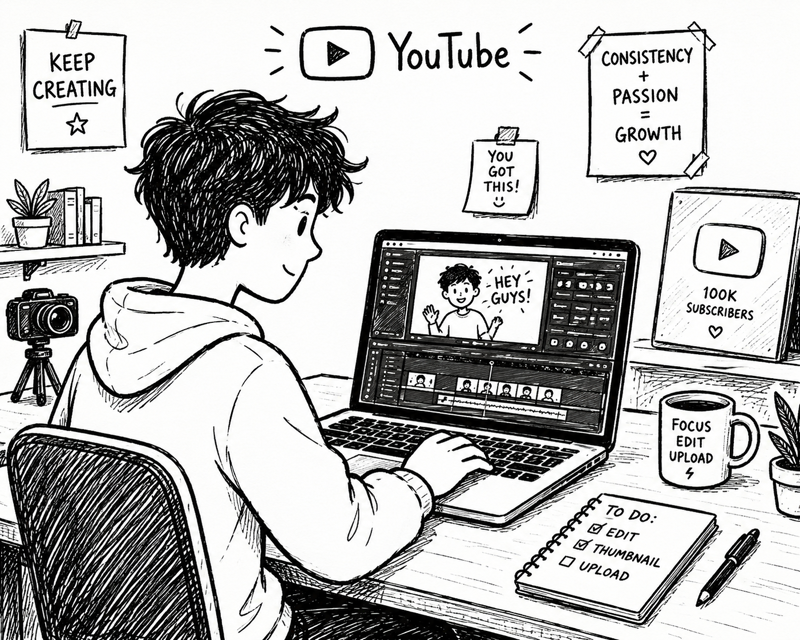
YouTube Creators
Narration without recording equipment.

Video Editors
Generate voiceovers quickly.
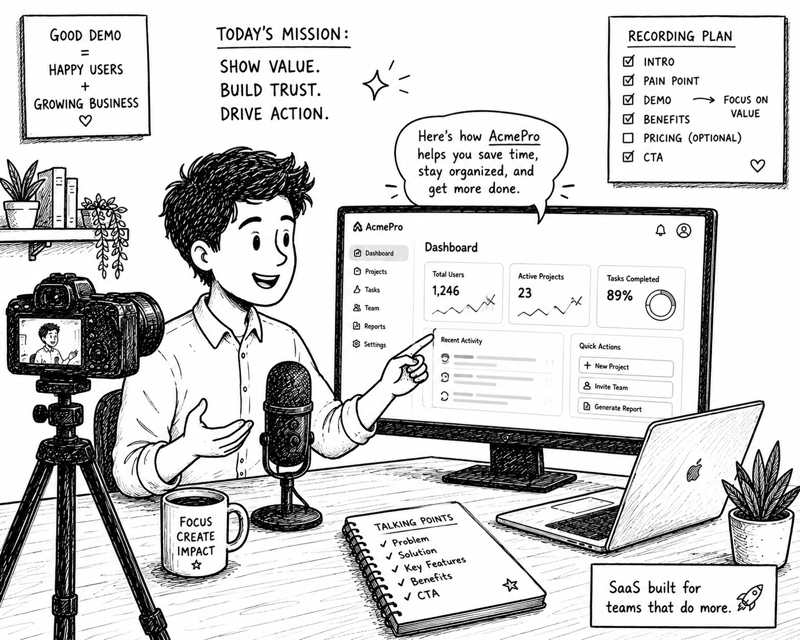
Marketing Teams
Produce demos faster.

Educators
Scripts into spoken explanations.
YouTube Creators
Narration without recording equipment.
Video Editors
Generate voiceovers quickly.
Marketing Teams
Produce demos faster.
Educators
Scripts into spoken explanations.
YouTube Creators
Narration without recording equipment.
Video Editors
Generate voiceovers quickly.
Marketing Teams
Produce demos faster.
Educators
Scripts into spoken explanations.
YouTube Creators
Narration without recording equipment.
Video Editors
Generate voiceovers quickly.
Marketing Teams
Produce demos faster.
Educators
Scripts into spoken explanations.
Getting Started
Three quick steps to set up your companion app and activate your extension in Premiere Pro in under two minutes.
1. Install Extension
Get the Vampro Voice Generator Text-to-Speech extension from the Adobe Marketplace and install it.
2. Run Companion App
Download and install the Vampro Voice Service companion app from the Microsoft Store, then launch it.
3. Open Premiere Pro
Inside Premiere Pro, go to Window → UXP Plugins and select Vampro Voice Generator to start using the plugin.
1. Install Extension
Get the Vampro Voice Generator Text-to-Speech extension from the Adobe Marketplace and install it.
2. Run Companion App
Download and install the Vampro Voice Service companion app from the Microsoft Store, then launch it.
3. Open Premiere Pro
Inside Premiere Pro, go to Window → UXP Plugins and select Vampro Voice Generator to start using the plugin.
Before You Download
Check system requirements and compatibility before getting started. Both companion service and extension are free.
Requirements
- ✔Adobe Premiere Pro (26.0+)
- ✔Windows 10/11 (64-bit)

Version 1.1.0
Completely free.
Need help?
Documentation
Guides, installation, and troubleshooting.
Read DocsTerms of Use
Licensing, restrictions, and agreements.
Full TermsPrivacy Policy
Data handling and user information.
Read Privacy