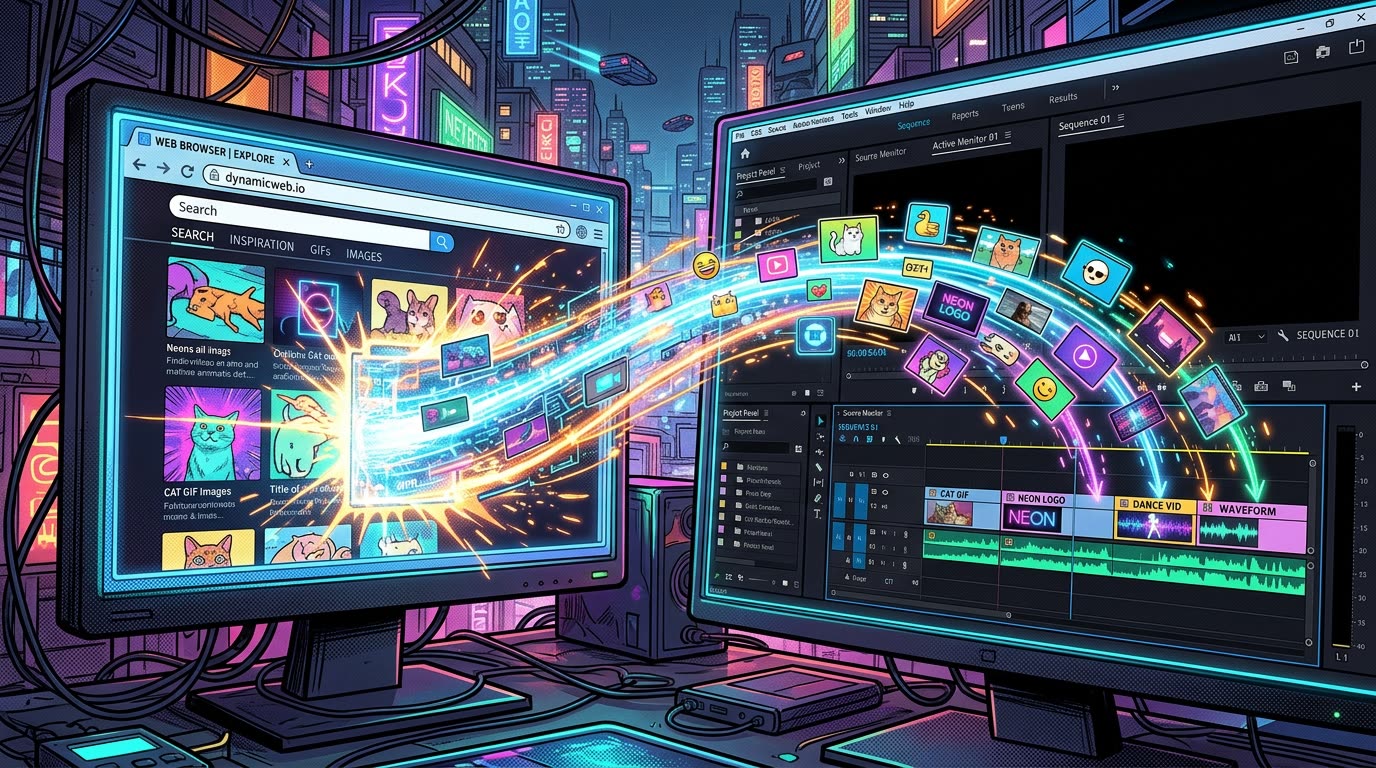

Overview
Open the average editor's workspace and you'll probably find more than Premiere Pro: a browser with fifteen tabs, a script, Slack or Teams, stock sites, and YouTube.
Modern video editing isn't happening inside one application anymore. It's happening across an ecosystem of applications.
Here is why moving visual information across app boundaries has become the biggest bottleneck in editing—and how treating the browser as an extension of your media library changes the game.
The modern editing loop
Imagine you're producing a five-minute explainer.
You read the next sentence in the script. You need a visual. You search the web. Find it. Bring it into Premiere. Continue editing.
Twenty seconds later, you need another. Search. Download. Import. Continue.
Then you need a screenshot. Capture. Save. Import. Continue.
Then another image. Download. Import. Continue.
Your creative workflow has quietly become a file-transfer workflow.
Premiere isn't necessarily the bottleneck
Editors often try to improve productivity by optimizing what happens inside Premiere: keyboard shortcuts, custom workspaces, presets, macros, adjustment layers, and templates.
Those optimizations are valuable.
But many interruptions happen before the asset ever reaches Premiere.
The bottleneck is the boundary between applications.
Your browser knows about the image. Your clipboard knows about the image. Your operating system knows about the image.
But your editing workflow still needs you to manually turn it into a file and import it. That's the gap.
The clipboard is an underrated creative tool
The clipboard is one of the oldest ideas in desktop computing. Yet it's remarkably powerful.
It allows applications that know almost nothing about each other to exchange information through one universal interaction: Copy. Paste.
For editors, that interaction has enormous potential.
Imagine treating your browser almost like an extension of your media library. Find something useful. Copy it. Paste it into your editing workflow.
Your focus remains on choosing the visual—not transporting it.
The best workflow removes decisions
Every workflow step introduces a decision:
- Where should I save this?
- What should I name it?
- Which folder was it saved to?
- Should I delete it later?
- Which bin should I import it into?
For important assets, those decisions are necessary. For a temporary image appearing for 1.5 seconds? Probably not.
Good automation isn't about automating everything. It's about identifying decisions that don't deserve human attention.
Turning the clipboard into a Premiere workflow
That's the problem we wanted to tackle with Vampro Universal Paste.
Universal Paste acts as a bridge between content you copy outside Premiere and the editing environment you're working inside.
Rather than forcing you to manually create and import a file every time, the plugin and its companion system handle the underlying asset processing required to make that clipboard content usable.
From the editor's perspective, the interaction remains beautifully boring: Copy. Paste. And that's intentional.
Don't make editors manage the bridge
Editors should decide: Is this the right visual?
They shouldn't have to repeatedly solve: How do I transport this visual between these two applications?
Vampro Universal Paste isn't about replacing Premiere's media-management system. Large projects still need organized folders, predictable file structures, proxies, backups, and proper asset management.
It's about the moments where all of that machinery is unnecessary: the quick screenshot, the reference image, the visual you found ten seconds ago, the asset you need right now.
Your browser has already become part of your editing suite. Maybe copy and paste should finally become part of it too.
Bridge Your Browser and Premiere Timeline
Copy online references, stock previews, or video URLs and drop them right onto your sequence without download dialogs.
JOIN UNIVERSAL PASTE WAITLIST ➔