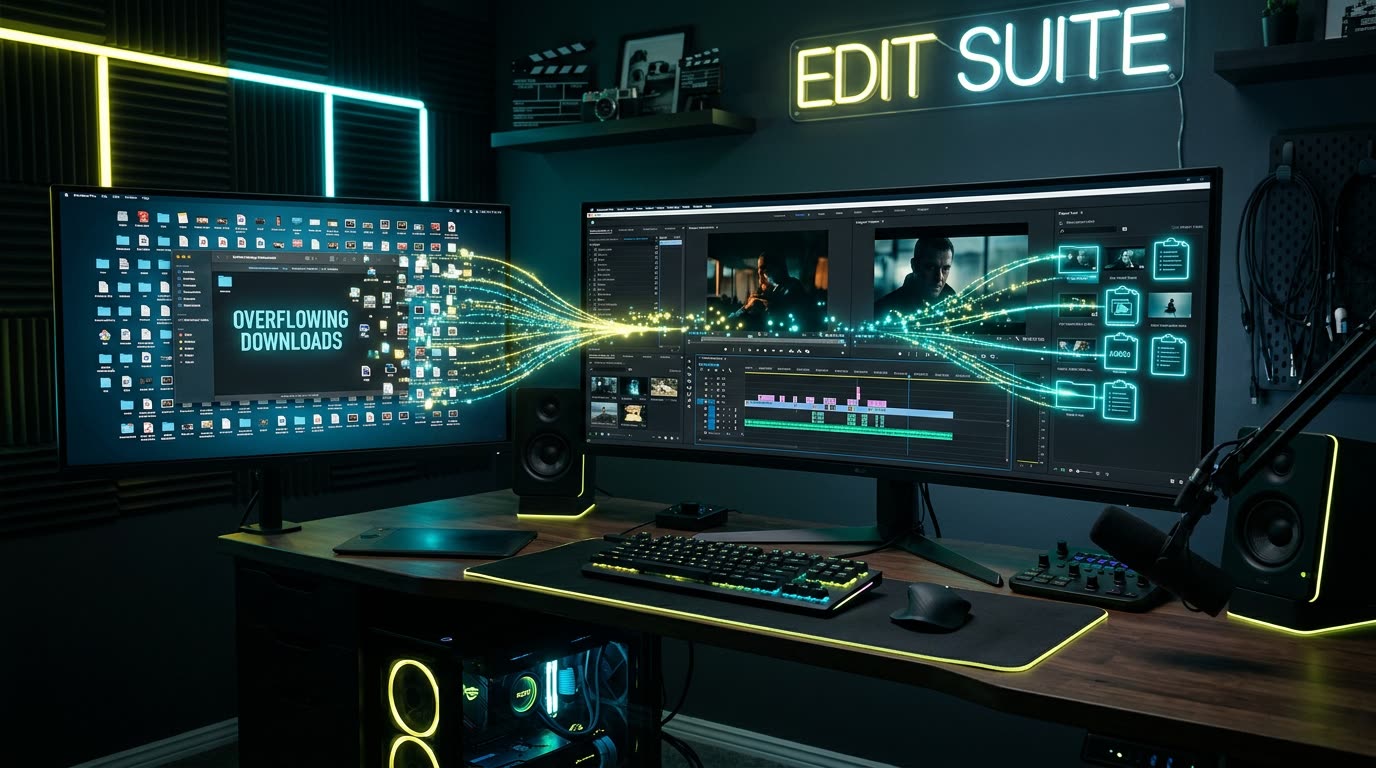

Overview
You find the perfect image. Right-click. Save image as. Choose a folder. Switch to Premiere Pro. Open the Import dialog. Find the folder. Select the image. Import. Drag it into your sequence.
All because you wanted to put one image into your video.
For something editors do dozens of times a day, this workflow has a surprising amount of friction. Here is why the traditional file-transfer loop breaks creative momentum—and how clipboard-native editing changes everything.
The browser-to-Premiere problem
A huge part of modern video editing happens outside the NLE.
You might be pulling references from a browser, receiving graphics through Slack, copying screenshots from a document, grabbing product images, working with presentation slides, or finding visual references online.
The problem isn't finding the asset.
It's getting it into the edit.
Your operating system already understands one of the simplest ways to move content between applications:
Copy and paste.
Copy text from a browser and paste it into another application. Easy.
Copy an image into a design tool. Easy.
But when your destination is Premiere Pro, the workflow isn't always that straightforward.
Instead, editors end up turning temporary visual assets into files.
And that creates another problem.
The Downloads folder graveyard
If you edit regularly, you've probably seen some variation of this:
image.pngimage (1).pngimage (2).pngscreenshot_2026-08-24.pngdownload.jpegdownload (4).jpeg
Many of these files were never meant to become permanent assets.
You needed them for three seconds of a video.
But because the editing workflow required a file, you had to create one anyway.
Over time, those tiny interruptions accumulate into clutter across your Downloads folder, Desktop, project folders, and Premiere bins.
The problem isn't storage.
It's friction.
Editing speed isn't just about playback performance
When people talk about making Premiere faster, the conversation usually revolves around proxies, GPU acceleration, render settings, codecs, or hardware.
Those things matter.
But there's another kind of performance that rarely gets discussed:
interaction cost.
Every time you leave your timeline to manage a trivial file, you're interrupting your editing process.
Consider an editor making a fast-paced YouTube video.
The script mentions a company. The editor searches for its logo. Downloads it. Imports it. Returns to the timeline.
Thirty seconds later, they need a screenshot. Capture. Save. Import. Return.
Then a meme. Download. Import. Return.
Individually, none of these actions are difficult. Collectively, they're exhausting.
What if importing wasn't an action?
The ideal workflow would be much simpler.
Find an image. Copy it. Switch to Premiere. Paste.
That's it.
No deciding where to save a temporary asset. No Import window. No searching through Downloads. No unnecessary break in the edit.
The clipboard becomes the bridge between where you find something and where you use it.
That's the idea behind Vampro Universal Paste
We built Vampro Universal Paste around a simple question:
Why can't bringing something into Premiere feel as natural as copying and pasting everywhere else?
Instead of forcing editors through the traditional save-and-import loop for every small asset, Universal Paste turns clipboard content into something Premiere can actually work with.
Copy an image or compatible visual asset, move back to your edit, and paste it into your workflow.
Behind that simple interaction, Vampro handles the boring parts required to turn clipboard content into an asset Premiere can use.
The editor doesn't need to think about any of it. And that's exactly the point.
Small workflow improvements compound
Universal Paste isn't trying to reinvent video editing. It's solving something much smaller.
But editors repeat small actions hundreds or thousands of times.
Saving 10 seconds once doesn't matter. Saving 10 seconds on an action you perform 50 times during an edit starts to matter a lot.
Great editing tools don't always need to add another creative capability. Sometimes the best tool simply removes a step that shouldn't have been there in the first place.
Experience Native Clipboard Pasting in Premiere Pro
Stop drowning in temporary Downloads files. Copy any web image, screenshot, or video URL and send it directly into your sequence.
EXPLORE UNIVERSAL PASTE & JOIN WAITLIST ➔