
Overview
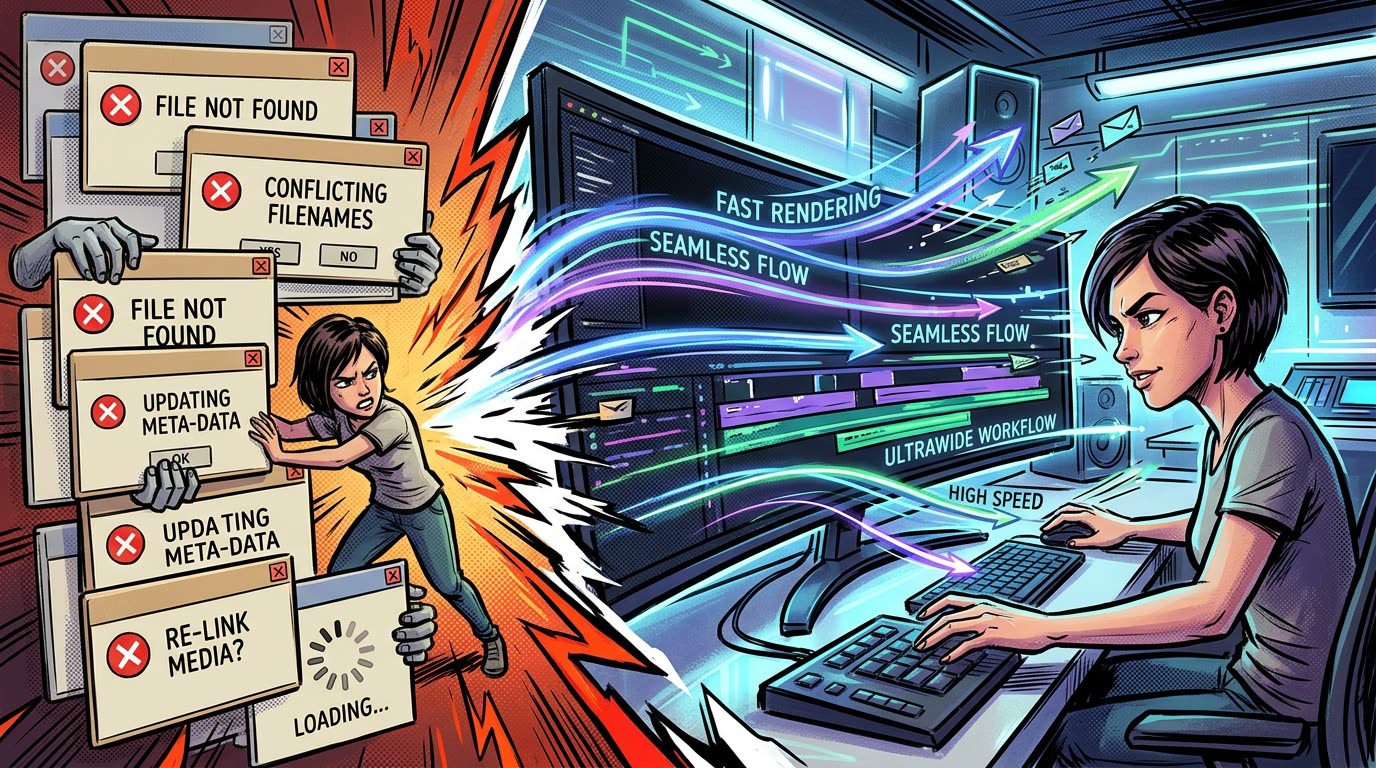
There is a strange moment during editing: you're flying through a sequence, cuts are working, and pacing is locked. Then you need one image—and suddenly you're browsing directories, opening Import windows, and renaming temporary files.
Your creative momentum disappears because your software needs administrative work.
You're probably not a slow editor. Here is how operational friction steals editing speed and how workflow design protects your creative momentum.
Editing has two kinds of work
Most editing workflows contain two very different categories of activity.
The first is creative work: choosing shots, building pacing, designing sequences, timing music, writing titles, and evoking emotion.
The second is operational work: downloading, renaming, importing, converting, organizing, navigating folders, and moving files around.
Operational work is unavoidable. But the goal of a good workflow should be to minimize how often it interrupts creative work.
Count interruptions, not clicks
Productivity advice often focuses on reducing clicks.
But five clicks performed while you're already managing files aren't necessarily a problem. Three clicks that pull you away from a creative decision can be.
That's because the real cost is context switching.
You're thinking about pacing. Then file management. Then pacing again. Then searching. Then pacing. Then downloading. Then pacing.
Every transition requires your brain to reconstruct what it was doing before the interruption. For editors working on fast-turnaround content, this happens constantly.
A practical example
Imagine you need 30 external images while editing a video. If each one requires you to:
- Find the image.
- Download it.
- Choose where it should be stored.
- Return to Premiere.
- Import it.
- Find it inside your project.
- Add it to the sequence.
That's potentially hundreds of interactions surrounding a task whose actual creative decision was: Use this image here.
There's an enormous difference between the complexity of the creative intention and the complexity of the software interaction required to execute it. That's a sign that the workflow can be improved.
Build workflows around intention
A useful question when optimizing any editing workflow is: What was I actually trying to do?
If the answer is "Put this image into my edit," then ideally, the workflow should resemble that intention as closely as possible: Find image → Copy image → Paste image → Done.
Everything between those actions is implementation detail. And implementation detail is exactly what software should be good at hiding.
Why we built Vampro Universal Paste
This principle became one of the foundations behind Vampro Universal Paste.
The goal wasn't to create another giant Premiere panel editors need to learn. It was to remove a repetitive piece of operational work.
Universal Paste connects Premiere to the clipboard through a companion application that handles the work Premiere can't perform directly. You copy an asset. Vampro handles the intermediate processing and file operations. Premiere gets something it can work with. You continue editing.
The complexity exists underneath—but the editor shouldn't have to interact with it.
Optimize for flow, not features
Editing tools are often marketed by counting features. But there's another useful metric: How many times did the tool prevent you from leaving the thing you were doing?
The most valuable workflow improvements can be surprisingly small: a keyboard shortcut, a preset, an automated action, or simply being able to paste something where you expect paste to work.
Vampro Universal Paste is built around that philosophy: Less time operating Premiere. More time actually editing.
Protect Your Creative Momentum
Eliminate context switching and keep your head in the edit. Join the early access waitlist for Vampro Universal Paste.
JOIN UNIVERSAL PASTE WAITLIST ➔